
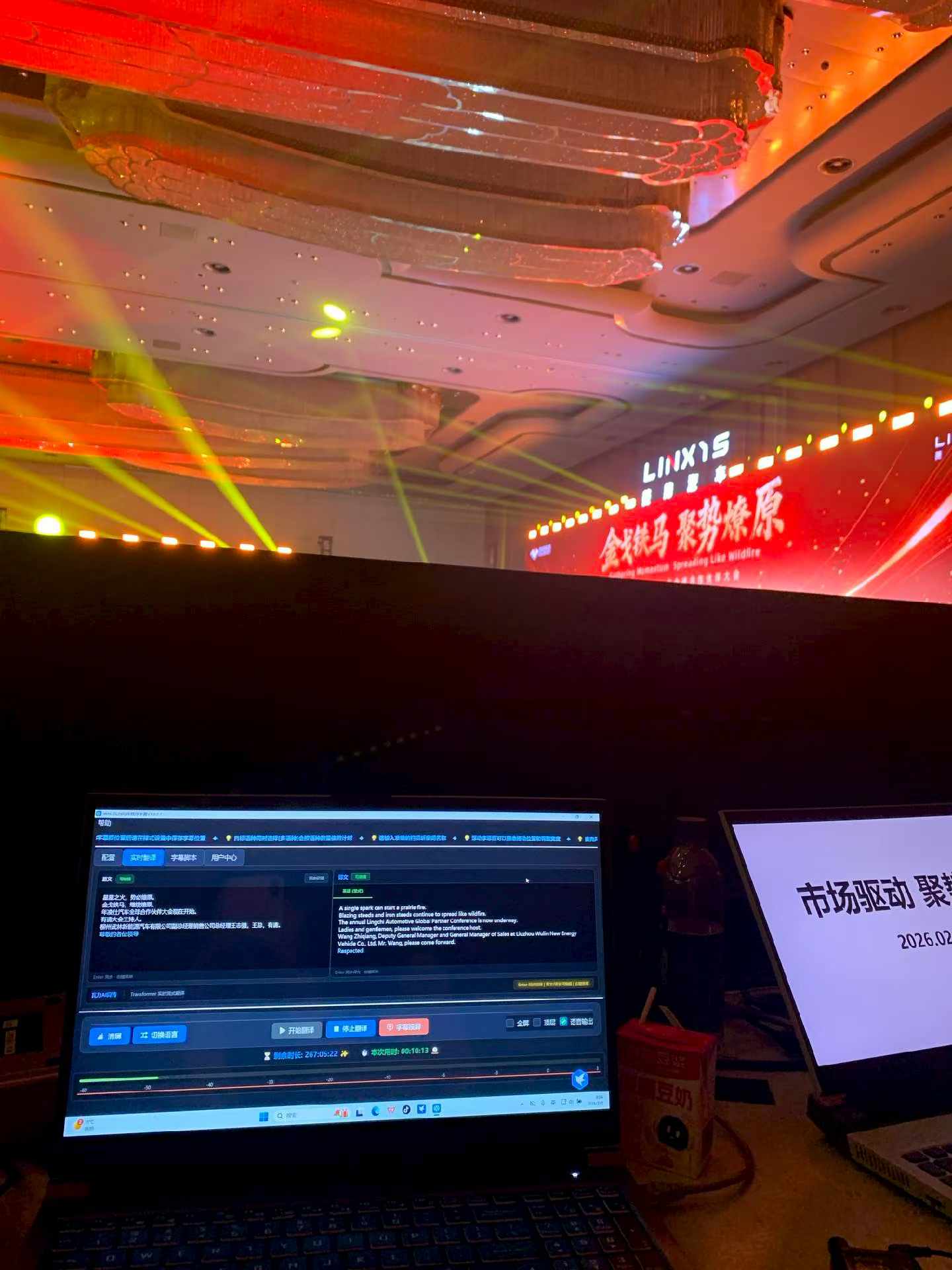
Create an event-specific browser page and QR code. Attendees open it to read source or translated captions and, where the project includes AI voice, select a language and listen with personal headphones. Test network capacity, real devices, font size, audio playback policy, access control and expiry before the event.
Why mobile access matters
A venue screen has limited languages and lines and may be difficult to see from some seats. A browser view gives attendees more reading space and a personal language route. It can also support remote viewers and people who benefit from text access.
Three common modes
| Mode | Useful for | Operational focus |
|---|---|---|
| QR captions | Forums, training and launches | No-install access, readability and network |
| QR AI audio | General information when eyes should stay on stage | Headsets, playback permission and volume |
| Text and audio | Mixed language and accessibility needs | Consistent meaning, route choice and support |
Design the attendee journey
- Place QR codes and short links at registration, seats and screens.
- Identify the event and access period on the landing page.
- Let attendees choose the intended language route.
- Explain that audio needs headphones and a user play action.
- Prepare onsite help for scanning, network and volume issues.
- Close or retain access after the event according to the agreement.
Connectivity and concurrency
A simple page still fails if hundreds of phones join one congested access point. Estimate peak concurrent use, prepare venue Wi-Fi and mobile data options, and test from audience seats, entrances and difficult corners with real iOS and Android devices.
The boundary of AI translated audio
AI voice can read a generated translation for general forum content, product information and training support. It is not automatically equivalent to human simultaneous interpreting. Pronunciation, figures, segmentation and translation latency require evaluation. Legal, medical, financial, diplomatic and other high-risk communication may require professional interpreters or human review.
Pre-event checklist
- QR code scans at printed and screen sizes
- Short link can be explained verbally
- Correct event and language labels
- iOS and Android browser tests
- Audio permission and play instructions
- Headset guidance
- Peak network test
- Access expiry and retention policy
Frequently asked questions
Can one QR code offer several languages?
Yes. A shared landing page can route to language choices, or the event can publish separate codes when that is easier to explain onsite.
Does AI audio replace interpreter headsets?
Not in every context. Select the delivery model according to risk, expected quality and the role of human interpreters.
Editorial note: languages, AI voice, access controls and retention are project-specific. Venue networks and attendee devices affect the experience.