
Send a clean feed from the mixing desk or conference platform into recognition and translation, allow the operator to monitor and correct important text, then publish a control-free caption view. Production adds that view as a browser, window or converted transparent source. Venue, broadcast and audience outputs can share content while using separate layouts.
The production route
A practical route is “mixing-desk AUX or program audio → transcription and translation → operator correction → clean caption feed → OBS, vMix or switcher → streaming platform”. The workstation carries controls and status; the clean output carries captions only.
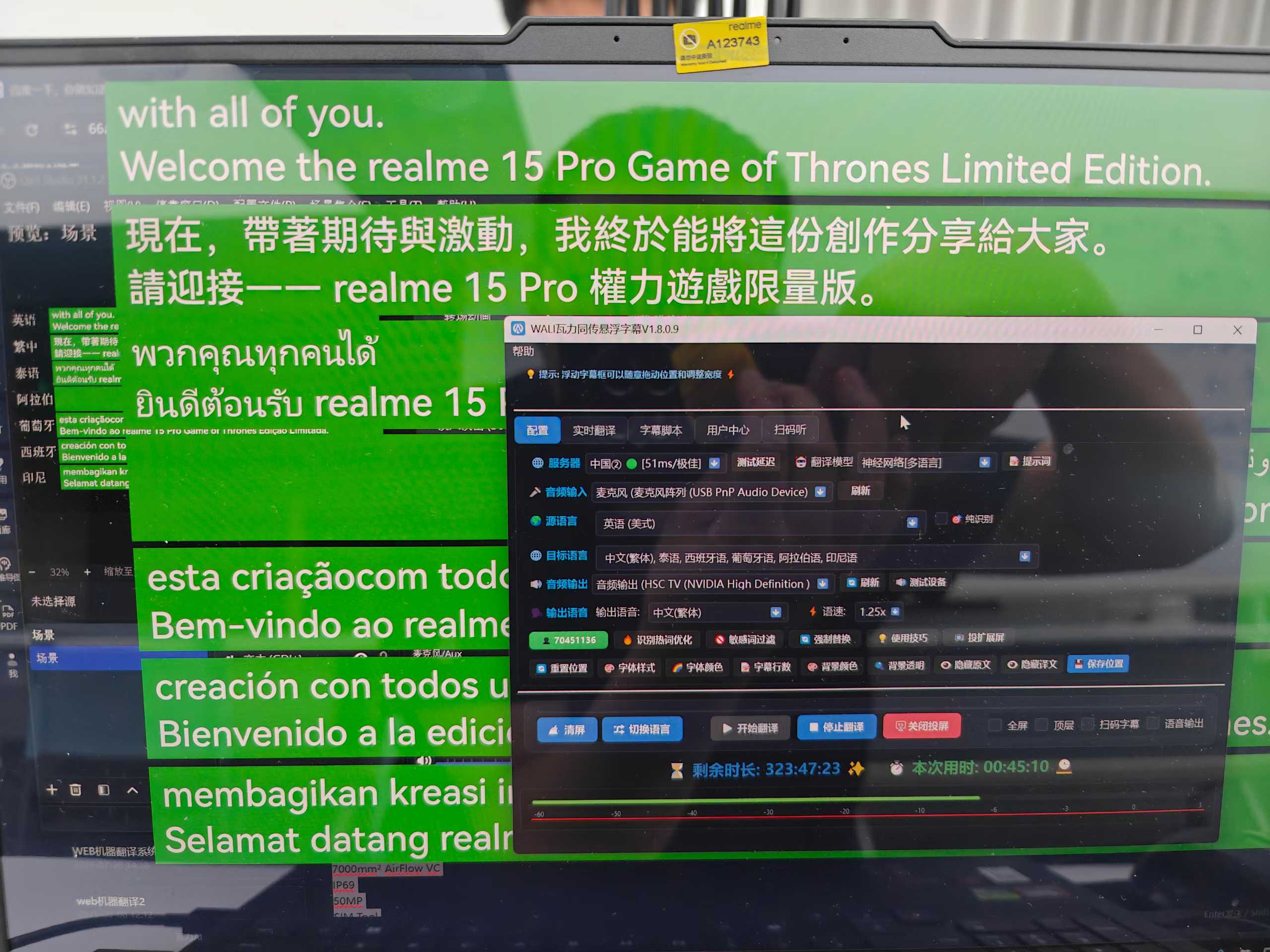
What makes a feed production-ready
- No controls, room status or diagnostic text
- Transparent or consistent key background
- Independent source and translation styling
- Stable dimensions while captions update
- Configurable typography, line count and safe area
- Separate scaling and cropping at production
One text stream, several layouts
| Endpoint | Main constraint | Design priority |
|---|---|---|
| Venue LED | Viewing distance and unusual canvas | Large type, contrast and fewer lines |
| 16:9 stream | Faces, logos and lower thirds | Safe-area coordination |
| Vertical stream | Narrow width and platform controls | Short lines and bottom clearance |
| Audience browser | Different devices and languages | Readable history and independent controls |
Rehearsal checklist
- Confirm whether the feed is microphone-only or program mix.
- Check music, echo and level before recognition.
- Validate transparent edges and browser refresh.
- Test every program resolution and safe area.
- Confirm captions survive scene changes.
- View the encoded stream on a real phone.
- Test restart, network loss and reconnection.
- Assign primary and backup devices and operators.
Latency is an end-to-end property
Audio buffering, recognition, segmentation, translation, network transport and platform encoding all contribute. The objective is not an abstract zero-latency claim; it is a useful balance of semantic completeness, readability and response for the event. Clear audio and prepared terminology matter more as speech becomes faster or more specialist.
Frequently asked questions
Can OBS and a hardware switcher share one caption source?
They can share content, but source type, resolution and transparency treatment may differ and must be tested independently.
Should the venue screen and stream use the same layout?
Usually no. They have different viewing distances, canvases and safe areas.
Editorial note: Integration depends on the production system, browser-source support, resolution and project network. Rehearse with the actual equipment.