
TTS converts approved text into speech. A complete AI voice project adds script finalisation, multilingual adaptation, terminology and pronunciation, voice selection, pacing, listening review, subtitle timing and delivery formats. It suits repeatable training, product explanation and knowledge content, provided the finished material is reviewed.
TTS, AI voiceover and video localisation
TTS is the underlying text-to-speech capability. AI voiceover is a production workflow that controls how names, figures, abbreviations, pauses and paragraphs are spoken. Multilingual video localisation adds translation, subtitle timing, on-screen text decisions and platform-specific exports.
| Work type | Input | Primary output | Typical use |
|---|---|---|---|
| Basic TTS | Approved text | Speech file | System prompts and internal prototypes |
| AI voice production | Script, pronunciation and voice brief | Reviewed narration | Training, product and knowledge content |
| Multilingual video localisation | Source video, script or subtitles | Translated captions, voice tracks and final media | International brand and learning content |
A reliable enterprise production workflow
1. Finalise the script before generating at scale
Repeated script changes create repeated translation, voice and timing work. Lock structure, headings, figures, units, product names and required foreign-language words. For video, identify the time available for each spoken section.
2. Adapt the translation for spoken delivery
A correct written translation may be too long or formal when spoken. Languages expand at different rates, so the target script may need careful adaptation to fit the visual timing without changing facts or brand meaning.
3. Build pronunciation rules
Product models, people, organisations, websites, measurements and mixed-language phrases require special attention. Test representative passages before a batch and keep approved pronunciations consistent across episodes and languages.
4. Select a voice for the role, not just realism
Training values clarity and sustained listening; a launch video may need more pace; system prompts need brevity. Any use of a cloned or identifiable personal voice requires appropriate permission and a defined usage scope.
5. Review audio and align subtitles
Review mispronunciation, figures, pauses, volume consistency and tone. Video work also checks speech against visuals and captions against speech before exporting SRT, VTT, audio tracks or a finished subtitled video.
Content that suits AI voice and TTS
- Corporate training and operating tutorials
- Product demonstrations and help-centre videos
- Audio versions of knowledge articles
- Multilingual brand and social media content
- Exhibition, guide and terminal prompts
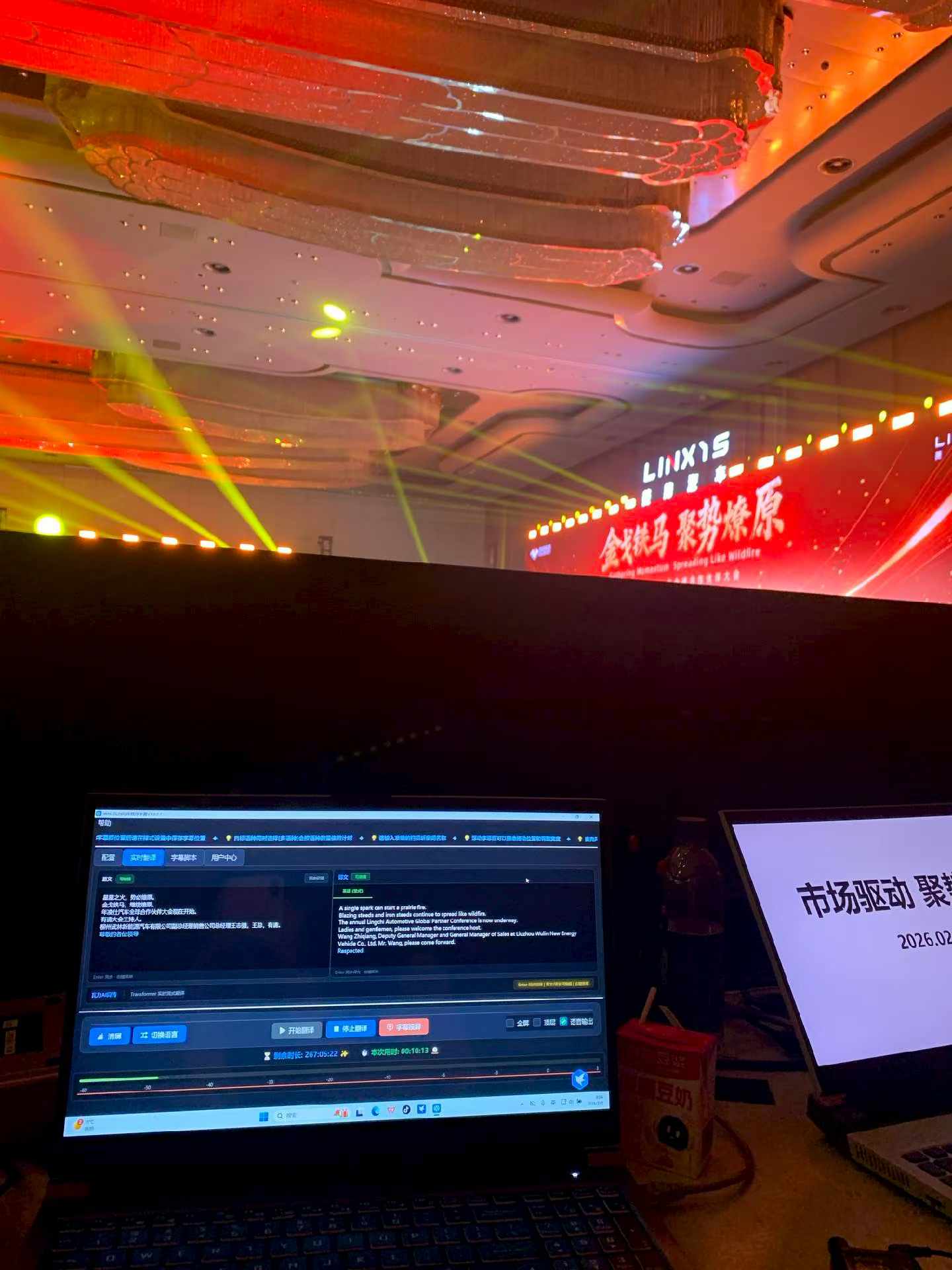
- Translated voice linked to event captions
- Bulk transcription, translation and subtitles
- Standardised content with frequent updates
Performance-led advertising, character drama or spokesperson work may be better with human talent or a hybrid workflow. Legal, medical and safety instructions require more rigorous human review.
Define the deliverables before production
| Deliverable | Purpose | Confirm in advance |
|---|---|---|
| WAV or MP3 | Editing, courses, podcasts or devices | Sample rate, channels, loudness and naming |
| SRT or VTT | Video platforms and players | Language, timecode, line length and segmentation |
| Finished subtitled video | Direct publication | Resolution, aspect ratio, bitrate and visual style |
| Multilingual project package | Archive and future updates | Folder structure, scripts, terminology and rights |
What the client should provide
- Final script or original media
- Target languages and markets
- Brand, product and personal pronunciations
- Preferred voice, pace and content style
- Reference video and publication deadline
- Subtitle, audio or finished-video format
- Voice rights and usage scope
- Internal reviewer and approval process
Judge the finished content, not a single demo voice
Review factual consistency, language suitability, listening quality and technical delivery. One polished sample does not prove that a full batch will keep product names, figures and pacing consistent. For an ongoing knowledge library, retain approved scripts, terminology, pronunciation rules and voice choices as reusable assets.
Frequently asked questions
Are AI voiceover and TTS the same?
TTS is the text-to-speech capability. AI voice production also includes scripts, translation, pronunciation, voice direction, review and subtitle alignment.
Can AI voice be used in a finished corporate video?
Yes for suitable training, knowledge and standardised content, after reviewing names, figures, pronunciation, pacing, tone and subtitle timing.
What if the source video has no script?
Transcribe the audio first, organise the source text and timecodes, then prepare translated subtitles and voice scripts.
Editorial note: This guide reflects WALI's current AI voice, transcription, subtitling and multilingual content workflow. Available voices, languages, file formats and rights requirements are confirmed per project.