
An enterprise user starts a Chinese-English audio or video call from Android. Invitees join through Android or a web link. The caption pipeline identifies the actual language of each turn, translates it to the opposite configured language and publishes the same source and translation captions to everyone in the room.
Why room-shared captions matter
Some meeting tools display translation locally for each participant. A room-shared workflow instead creates one caption source for the conversation, so participants see consistent source text and translation. This matters during product demonstrations, support calls and project coordination, where different versions of a figure or term can create avoidable confusion.
Automatic Chinese-English mode follows the language actually spoken in each turn. Speakers can alternate naturally without manually changing the direction each time. Calls involving a third language, heavy crosstalk or formal interpretation should be treated as a different service requirement.
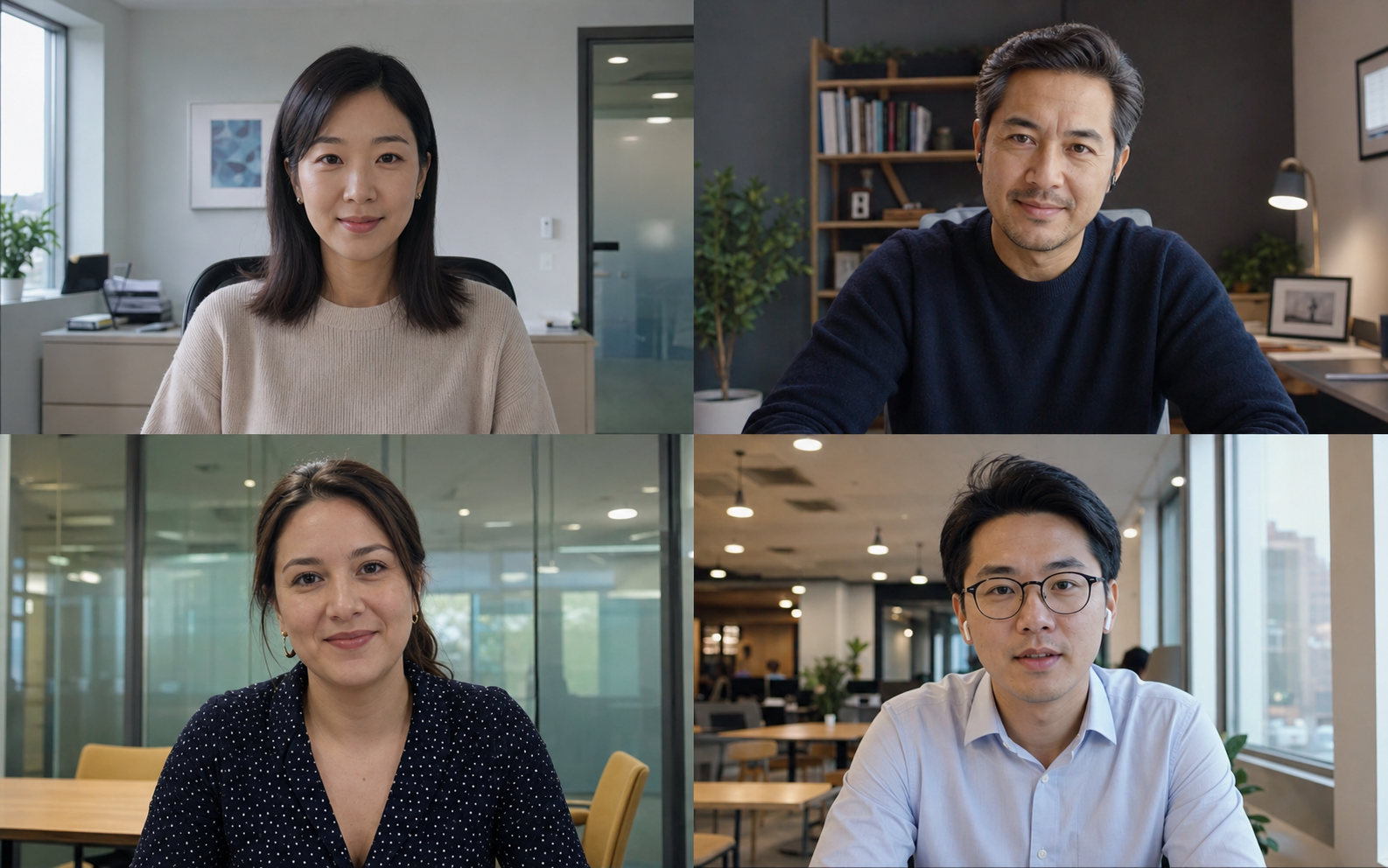
The call journey from invitation to shared captions
1. Initiate the call and create an invitation
The host checks camera, microphone and network state before sharing the invitation. A first-time browser guest should be told that the browser will request media permission.
2. Join through Android or a browser
Browser joining reduces installation friction for a customer or supplier. Corporate policies, embedded mobile browsers and hidden device identifiers can still affect camera and microphone access, so an important call should be tested in advance.
3. Publish one room-level caption stream
Speech is transcribed and translated while stable segment identities keep updates together. One room-level caption producer avoids creating a separate recognition and translation chain for every participant.
4. Distinguish media problems from caption problems
Audio, video and captions do not share exactly the same transport path. A useful interface differentiates a frozen video, interrupted audio and delayed captions instead of presenting every issue as a generic connection problem.
Business use cases
- Cross-border sales and product demonstrations
- Customer requirement and project meetings
- Remote technical support and troubleshooting
- Supplier, delivery and after-sales coordination
- Short bilingual training sessions
- Distributed Chinese-English team meetings
For a large audience, multiple target languages, venue displays or broadcast graphics, use a managed live event caption workflow.
Video calls, dual-screen terminals and event captions
| Option | Communication pattern | Primary output |
|---|---|---|
| Bilingual video call | Remote two-way business conversation | Original media plus room-shared captions |
| Dual-screen translator | Face-to-face reception, exhibition or service counter | Short translated turns on two physical displays |
| Live event captions | Speakers addressing a larger audience | Continuous captions for screens, broadcast and mobile viewers |
Before an important cross-border call
- Test the invitation and browser permissions
- Prepare product names, models and terminology
- Use a headset to reduce echo and noise
- Take clear turns rather than speaking over each other
- Confirm key numbers and dates in writing
- Keep chat or email as a fallback route
Important delivery dates, prices, payment terms and legal statements should be confirmed in writing after the call. High-risk communication may require professional human interpreting or review.
Permissions and data expectations
Before using audio and video, organisations should define participant consent, recording policy, caption retention and export requirements. Browser media access should follow an explicit user action, while the project scope should state whether call recordings or captions are retained.
Frequently asked questions
Do both participants need an app?
Not necessarily. An enterprise user can start from Android and invite a guest through Android or a browser link.
Must speakers manually change the translation direction?
Automatic Chinese-English mode uses the actual language of each turn and selects the opposite target language.
Can this replace interpretation for a large conference?
It is best for controlled two-way communication. Large events need screen, broadcast, audience, rehearsal and operational planning.
Editorial note: This guide reflects the current WALI Chinese-English call workflow and common cross-border business scenarios. Available functions, participation methods and data handling depend on the agreed project configuration.